Find SEO Automation Software for Ecommerce Sites
Alex

An online store can have hundreds of product pages, and each one needs a title, a description and image alt text. Writing all of that by hand takes time most small teams don’t have.
So the real question is which part of the work to hand to software, and how much control you keep over the result.
This article compares SEO automation tools for ecommerce, matches each one to the bottleneck it fixes and to your platform, and explains what they cannot do.
Which tool to pick for your store, budget and level of control
Start with the bottleneck, not the tool. Is your team stuck on keyword research, product copy or publishing? That answer picks the tool.
Match the tool to your store platform and the work your team wants to automate. Tools that suggest edits keep you in control. Tools that write to your store need a review step first.
Match each bottleneck to its tool, then check the platform it runs on.
| Criterion | Semrush | Surfer | Yoast WooCommerce SEO | Smart SEO |
|---|---|---|---|---|
| Bottleneck | Keyword research | Page copy | Product and category SEO | Meta tags and alt text |
| Platform | Outside your store | Outside your store | WooCommerce | Shopify |
| Check first | Plan against your tasks | Current plan types | WooCommerce version support | Feature list |
Open yourstore.com/sitemap.xml and yourstore.com/robots.txt. If both pages load, the basics are already there. They don’t write your product copy, so for that, see automate shopify product descriptions.
Wisewand, for stores that want articles tied to their product sheets
The app connects to your store through Shopify’s permission step and uses your product photos, titles, prices and reviews as input for articles.
It can add product links to those articles. Before you publish, check the links and review the draft in the editor. For the full workflow, see ai content workflow tool seo.
Before you choose, see best web writing tools seo and compare these limits:
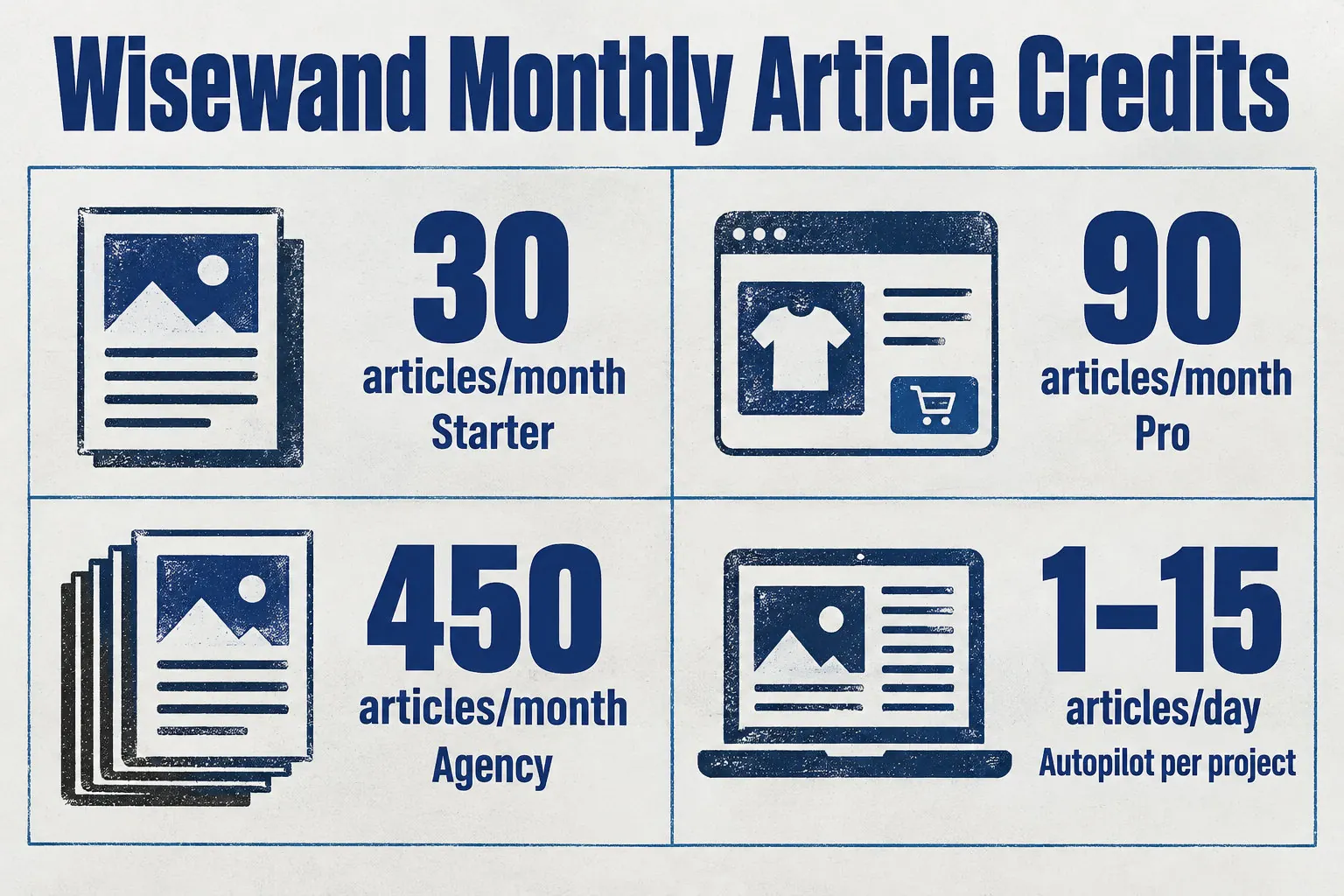
- Starter: 30 credits a month, one site, and Autopilot publishes one article a day.
- Pro: 90 credits a month, unlimited sites, and up to 15 articles a day per project.
- Unused credits carry over and do not expire while your subscription is active.
- API access: Bearer key authentication, with 60 requests per minute.
Autopilot chooses article topics on its own. If you don’t review them, it can publish pieces on subjects you don’t sell or don’t want to push. Before you subscribe, try Wisewand on a few product sheets to see whether its topics match your range.
Semrush for keyword research and audits, with content still written by your team
Use Semrush to decide which searches deserve a product or category page. Its keyword research shows the terms shoppers type, and its site audit shows which of your pages already target them.
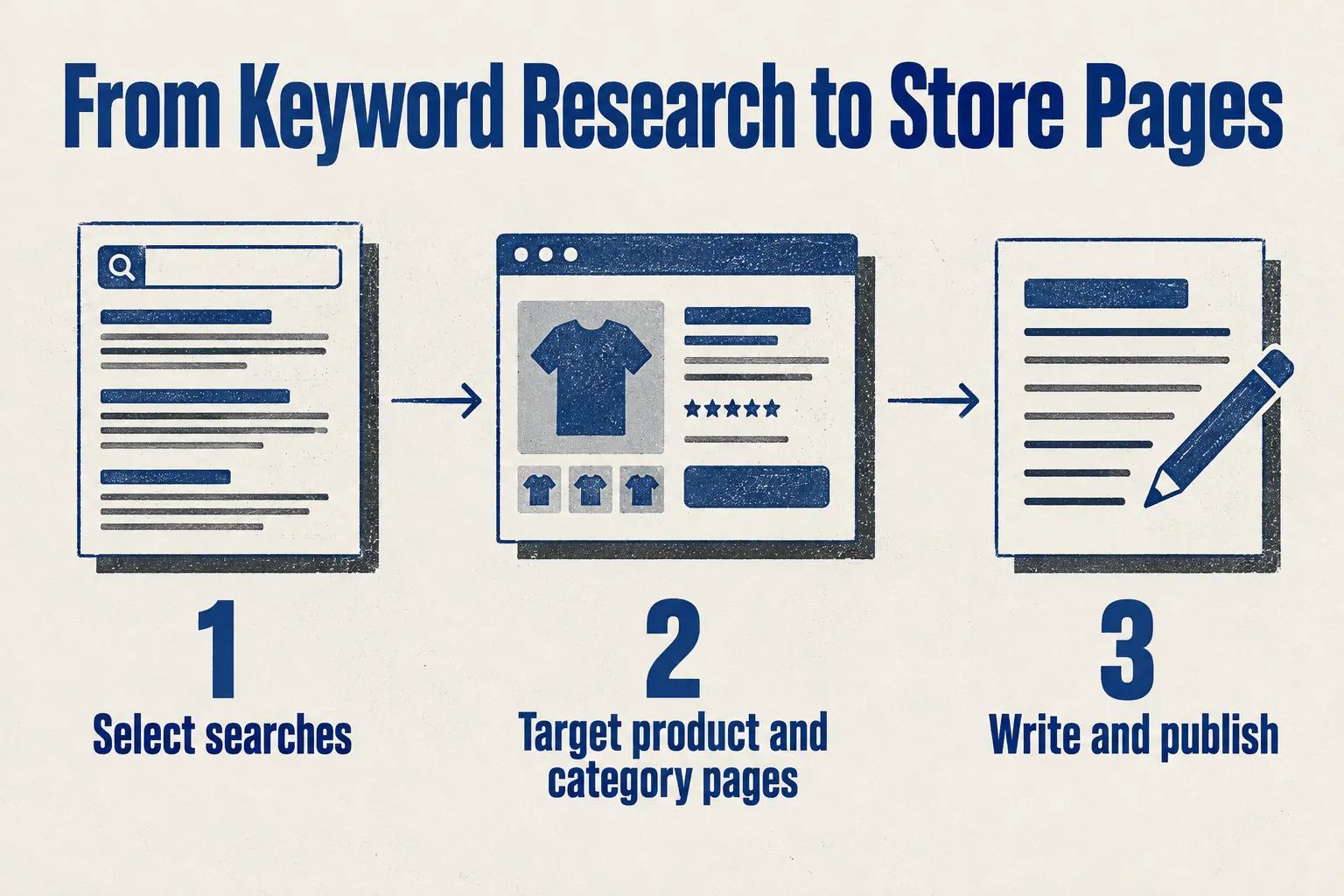
Keep a search for a page only if it names what that page sells. A keyword tool helps you measure terms, but it does not write the finished page. For the writing step, see AI ecommerce content applications.
- The queries shoppers type
- The pages you already have that target them
- Feature and usage limits, which depend on the plan you choose
- Writes the product and category copy
- Checks the copy for accuracy and fit with your brand
- Publishes it on the live store
Surfer SEO checks product and category copy against first-page results
Surfer compares your current product or category copy with the terms used on first-page results. It shows which terms your page lacks, so you know what to add or change.
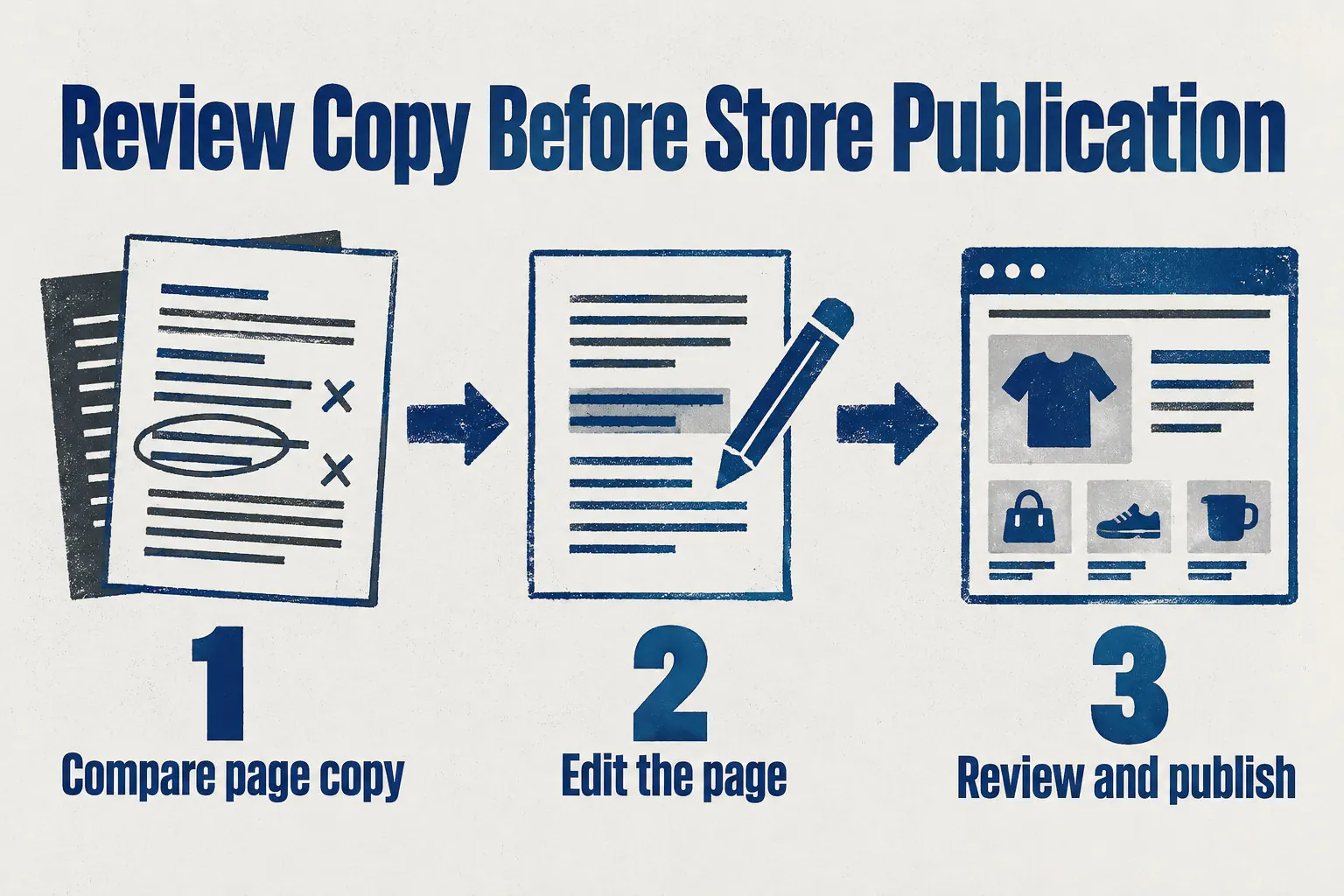
Its role stops at the editor. It guides the changes, but it does not replace your store’s publishing controls or your team’s review.
If you need an automated content generation solution for product copy, confirm that its approval steps match your own before you publish.
For a first draft, see best SEO optimized AI writers. Then edit in Surfer and use only terms that fit the product. You’re done when every change reads naturally.
Send the draft to whoever approves store copy. You’re done when they approve it in writing.
Paste the approved text into the product or category field and save. You’re done when Surfer shows no missing terms on the live page.
Yoast WooCommerce SEO for product and category metadata inside WooCommerce
If your store runs on WooCommerce and you mainly need titles and meta descriptions for products and categories, a WooCommerce-native plugin fits. Yoast WooCommerce SEO is built for that job. Check its supported WooCommerce versions before installing.
Alt text is a short description of each photo. For product copy written from your sheets, see ai product descriptions.
Once the plugin is active, scan these three areas:
- Product images: check whether you can add alt text to each product image.
- Category pages: check that the title and description fields cover category archives, not only products.
- Controls: check whether you can preview and edit each field before the change goes live.
Smart SEO, a Shopify app for metadata and alt text at catalogue scale
Smart SEO runs inside the Shopify admin. It writes meta tags, image alt text and product descriptions with AI, and it covers image optimisation, page speed, JSON-LD structured data and broken-link checks.
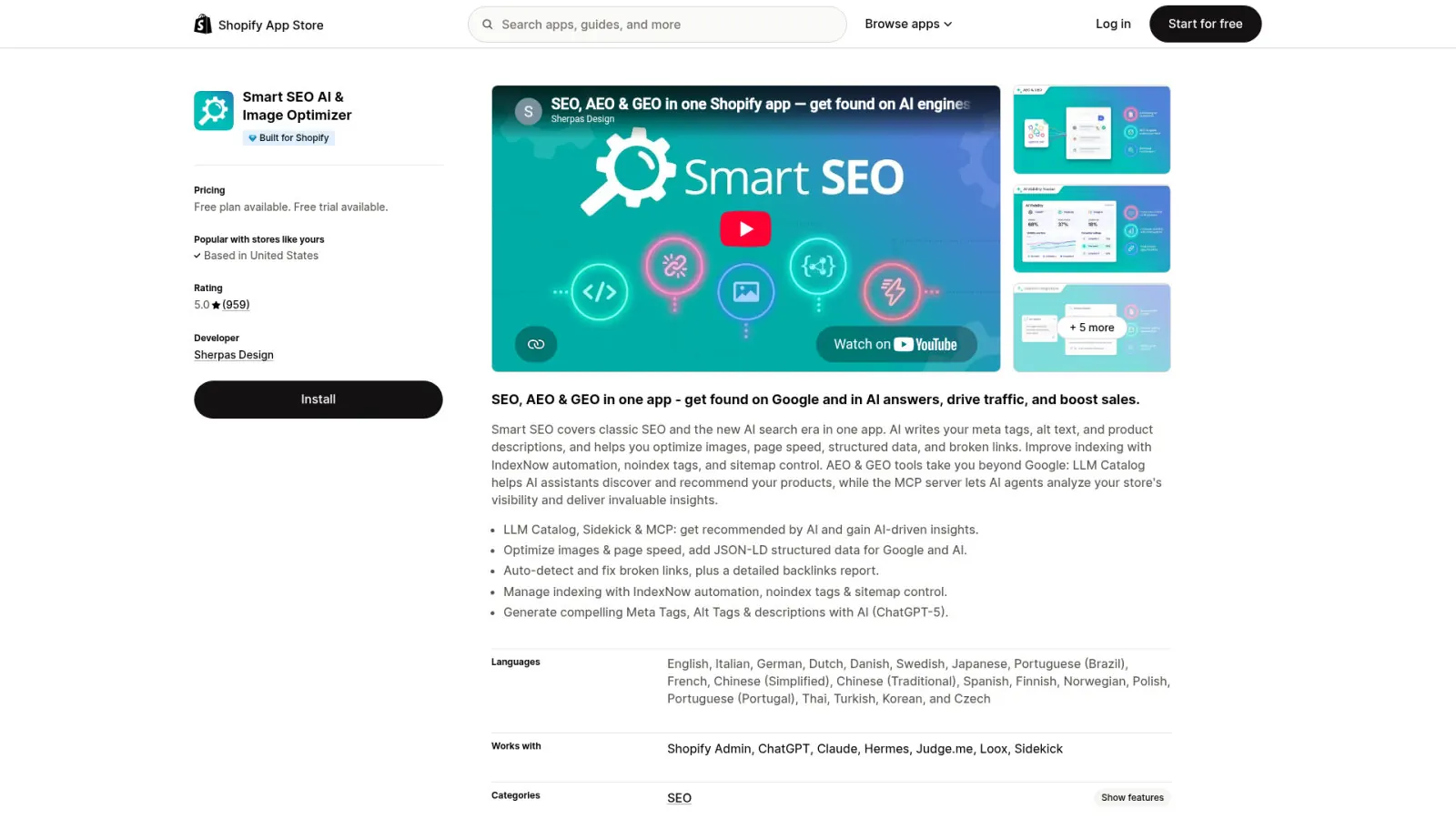
Indexing controls such as IndexNow, noindex and sitemap settings overlap with Shopify’s own features.
Shopify already creates sitemap.xml and robots.txt and adds canonical tags, so check those first. For a wider comparison, see the best AI tools ecommerce SEO list.
Plan limits for AI generations, image optimisation and SEO audits differ, so count your products against each one before you choose a plan.
Confirm your plan includes bulk optimisation of meta tags and alt tags, since not every plan does.
Name the person who checks the output before any bulk change.
Review a sample of the generated tags and alt text, then run the full batch on the live store.
Start with the bottleneck, then pick the tool that fixes it and runs on your platform. No tool can promise rankings. Google decides where your pages land.
Your next step is to write down the task that slows your team most. Then test one tool on a few product pages, with a named person approving the output, before you give it the whole catalogue.
Frequently asked questions
What is SEO automation software for ecommerce sites?
SEO automation software for ecommerce sites does part of your store’s SEO work for you. It can handle keyword research, meta tags, image alt text, product descriptions, technical checks and publishing. Choose each tool by the tasks it handles.
Which SEO automation tools work with Shopify and WooCommerce?
Shopify has SEO features built into the platform, and apps such as Smart SEO and Wisewand can add more tasks. For WooCommerce, Yoast WooCommerce SEO handles product and category SEO. Check platform support before you install any tool.
Can SEO automation tools write product and category page content?
Yes, some can. Smart SEO generates product descriptions, and Wisewand writes articles from your store’s product data. Before anything goes live, check what data feeds the text and review the output yourself.
How do I choose between an SEO suite, a content editor and an AI content tool?
Choose by the job: a suite for research and audits, an editor for page copy, or an AI content tool to write and publish.
Then match the tool to your platform, your product data, how much review you need and your plan limits.
Can I review and edit automated articles before they are published?
Yes. Wisewand has an editor where you review and edit each article before it is published. Check that any other tool you pick gives your team the control it needs.
This article also exists in French: le lire en français