Automated SEO Content Generation Solution: How It Works and Which Option Fits
Alex

Every SEO article follows the same steps, from topic research to publishing. Doing all of it by hand takes hours each week, and a tool helps only if you know what it covers.
This article explains how tools work and compares the main options on control, cost and speed, so you can pick the one that fits your site.
What the tool actually does, step by step
From keyword to published article
Most tools follow the same chain: research a topic, write a brief, draft the article, fill in the SEO fields, then publish in your CMS.
How much of it runs without you depends on the tool. Some only help with the writing, so you still plan and publish by hand.
Others also pick the topics and push the article live. If you want the whole chain handled, see AI content workflow tools for SEO.
Editorial calendar and scheduling
The calendar changes three things in your day-to-day work:
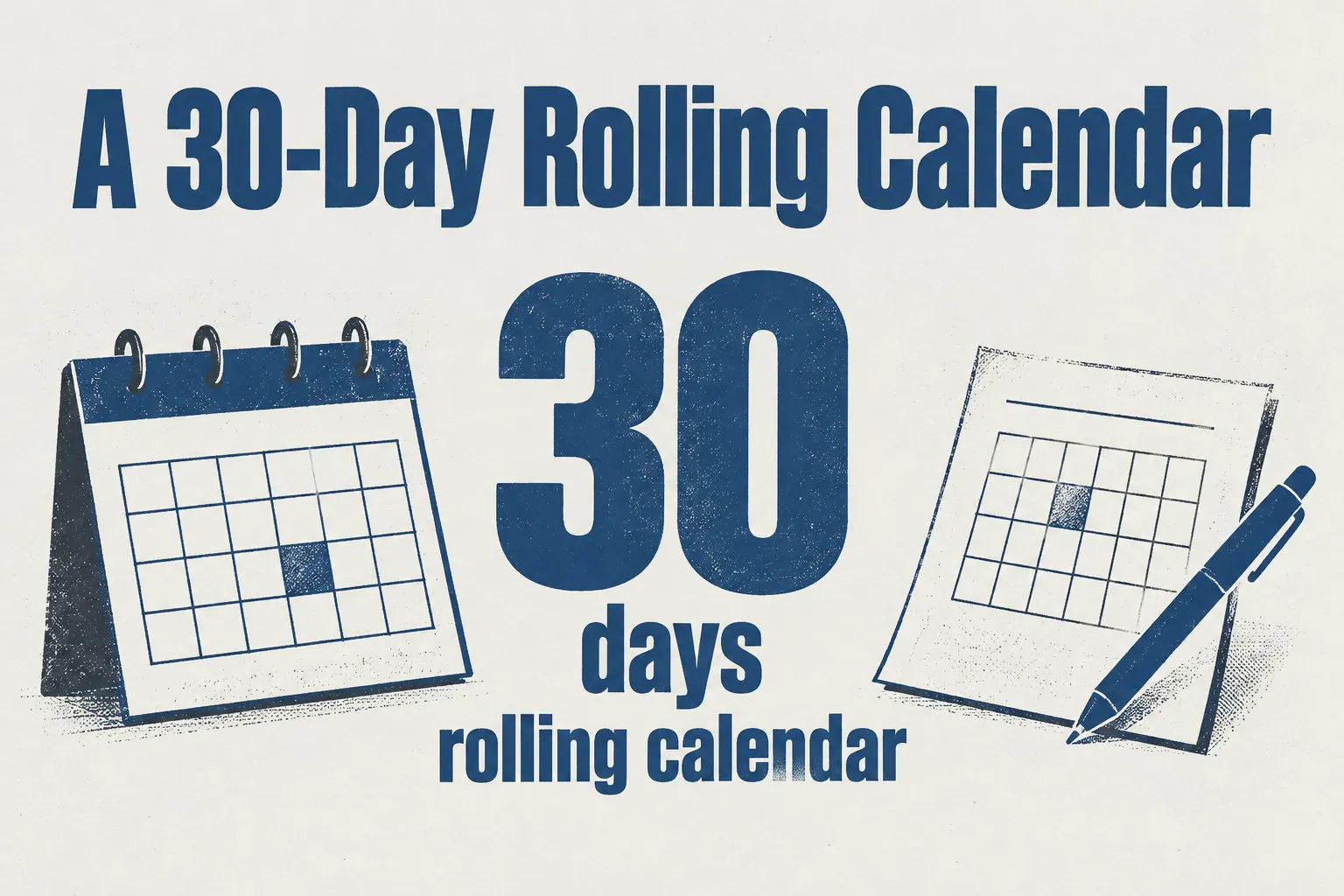
- Autopilot builds a rolling calendar that covers 30 days, with about one article planned per day.
- Scheduling reduces repeated handoffs, but each article still needs your review before it goes live.
- You can edit or drop any planned article before its publication date, so the plan never publishes a page you have not checked.
Control, cost and speed across four approaches
AI writing assistants
AI writing assistants draft outlines, first drafts and rewrites quickly. Checking facts, SEO fields, internal links and publishing steps stays with you. For SEO-focused options, see best seo optimized ai writers.
SEO suites
SEO suites handle keyword research and content checks. Your team keeps its usual publishing process: the suite helps prepare or assess articles, and you publish them yourself.
CMS plugins and page builders
A plugin works inside your site’s content workflow, so its quality depends on the steps around it. Already on WordPress? WordPress is used by 39.4% of all websites, so a plugin connection suits you.
Freelance writers and agencies
Compare them on three points:
| Criteria | Freelancers and agencies | Automated tool |
|---|---|---|
| Control | Human research, judgment | You set brief, review |
| Cost | Per article or project | Per plan |
| Speed | Depends on their workload | Fast drafts, then review |
Multiply the price per article by the articles you publish each month. Then count the days from brief to live page. For a store’s volume, see AI ecommerce content applications.
How Wisewand covers each step
Autopilot topic selection
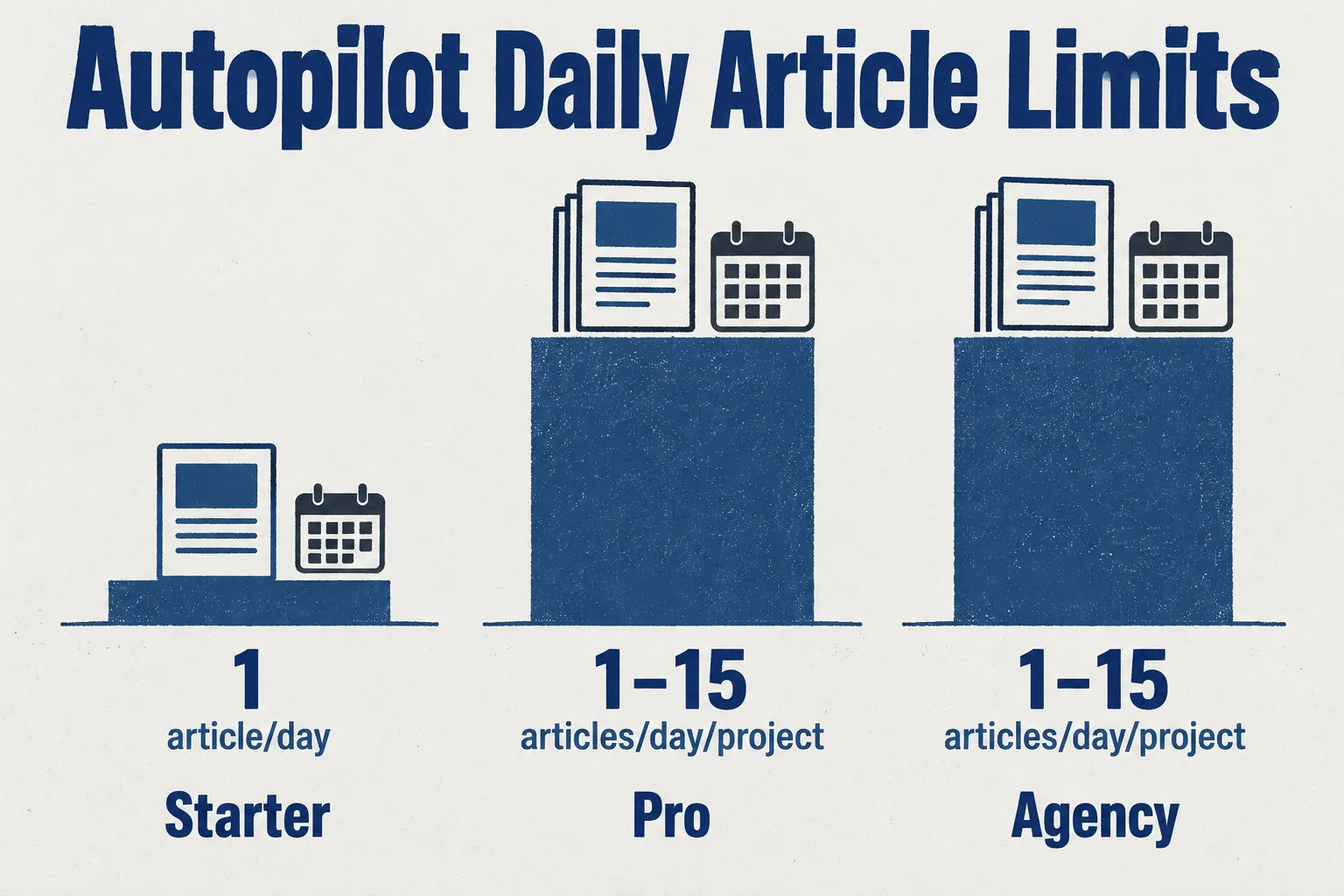
Autopilot reads your sitemap and picks topics, and it fills a rolling 30-day calendar. Setup asks what you sell and who buys. Answers are pre-filled, so you correct them. For comparisons, see best ai tools blog seo.
Publishing and SEO fields
Autopilot publishes to WordPress or Shopify. Wisewand’s other options add WooCommerce, PrestaShop, and a webhook. Check the SEO fields before each article goes live.
Visibility in Google and AI answers
Wisewand designs its articles for Google search and for generative AI answers. That is an aim, not a guarantee of rankings, citations or visibility. Track your own results after publishing.
Results on a real site
A Wisewand client saw 9.83K clicks from 40.2K impressions in 12 months. The click-through rate reached 24.5%, with an average position of 4.8. Your results depend on your niche, your site’s age and your publishing volume.
Results depend on your site, its subject and its competition, so this example won’t carry over. Publishing pages in bulk to manipulate rankings, without helping users, is scaled content abuse.
Plans, trial and ways to connect
Plans and credits
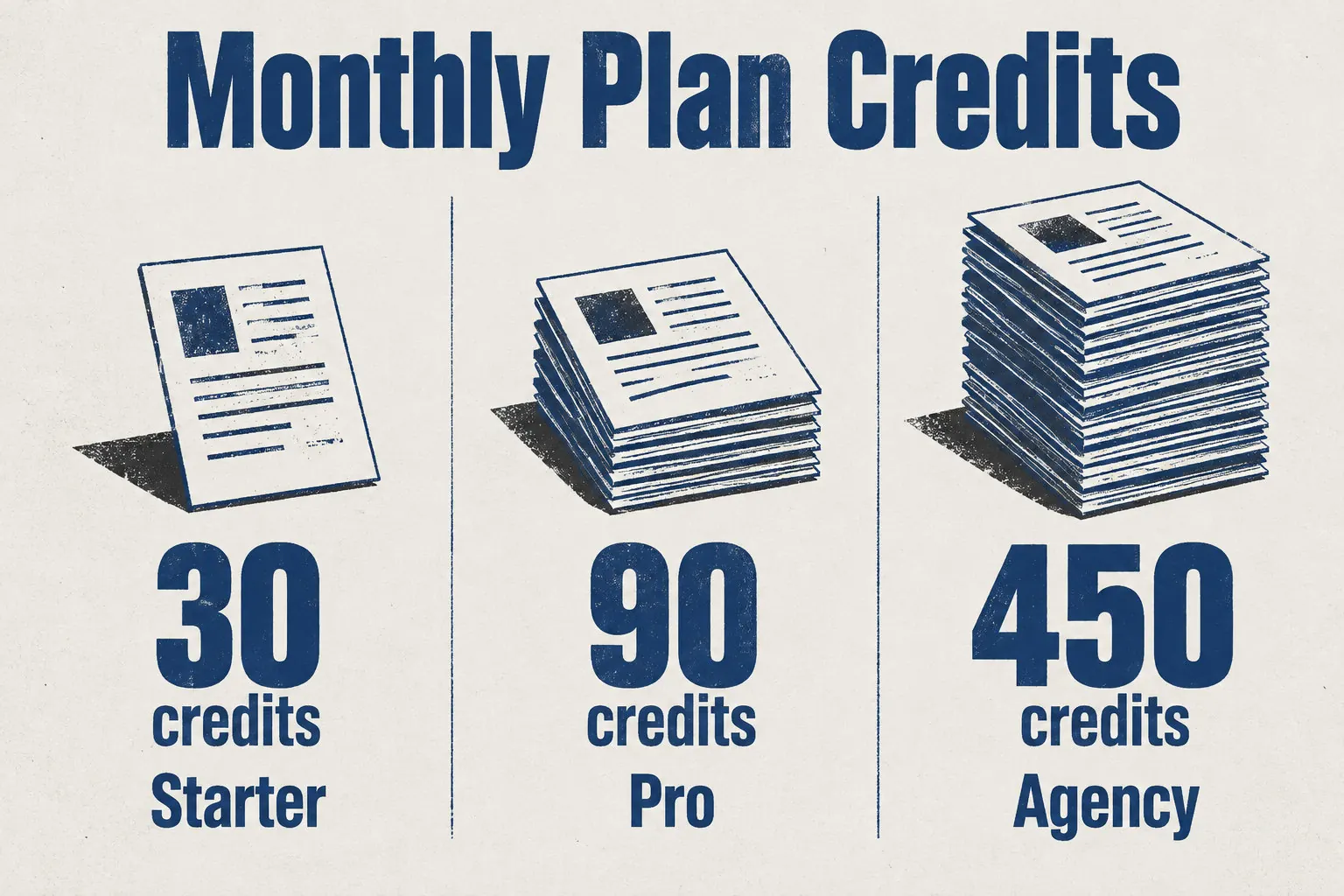
Each credit is one article. Starter gives 30 for one site, Pro 90 for unlimited sites, and Agency 450 with three seats. Unused credits carry over while subscribed. For tools, see best AI tools content marketing.
Trial
The trial costs €1 for three days and gives you three credits on the plan you pick. Cancel before those three days end, or the selected plan starts on its own.
Other ways to connect
Your own scripts? Use the public REST API. An AI assistant? Connect the MCP server. n8n or Make? Use the ready-made n8n workflows or the Make module. The API and MCP share a 60-request-per-minute limit.
Shopify
The app reads these parts of your store:
- Product pages, photos, titles, prices and reviews.
- Up to six product block types.
- Links to products, collections and articles.
- Billed by Shopify: one subscription per store, no trial.
Getting started
Your first Autopilot article takes about 5 to 10 minutes to generate. To check this yourself, it’s enough to try Wisewand and run one article before you decide anything.
Keeping editorial control of each article
Google judges a page on usefulness and accuracy. The risk lies in mass-produced pages with no added value, or in AI text published without human review.
Check each article before it goes live. For a publishing plan, see AI blog content strategy.
A generated article can state a wrong figure, invent a detail, or write an alt text that describes the wrong image. If you publish without checking the title, meta description and structured data, those errors go live under your site’s name.
Choosing by site type and publishing volume
Occasional publishing on a small site
Publishing occasionally on a small site? If your team wants to pick each topic and control every publishing step, a writing assistant or an SEO suite is enough. You write the brief, check each draft and press publish yourself.
Regular publishing at volume
Compare your monthly article target with the credits each plan includes:
- Starter: 30 monthly credits.
- Pro: 90 monthly credits.
- Agency: 450 monthly credits.
- Target above 90 articles a month? Pro will run short, so look at Agency.
Shopify stores
Shopify store? Wisewand’s approved app creates articles from your product data and links them to products and collections. Billing is one subscription per store.
For product pages, see automate shopify product descriptions. For the full tool list, see best ai tools ecommerce seo.
Agencies and technical teams
Your scripts call Wisewand directly. The REST API and MCP share a limit of 60 requests per minute.
MCP connects an AI assistant to Wisewand. CLI runs commands from a terminal.
The right option depends on your monthly article count and how much work you keep. A small volume suits a writing assistant or an SEO suite. A steady, larger flow suits an automated tool, provided you review each article.
Next, write down your monthly target. Then test one article and check it before you decide.
Frequently asked questions
What is an automated SEO content generation solution?
An automated SEO content generation solution is a tool or workflow that plans topics, drafts and optimizes articles, and can publish them to a connected site.
Some tools stop at the draft. Others run the whole chain, so you only check the result.
How does an automated SEO content generation tool choose its topics?
Wisewand Autopilot reads your site’s sitemap and selects topics from it. It then schedules them on a rolling 30-day calendar. The sitemap is the file that lists your pages, so the tool works from what your site already covers.
Is automatically generated content good for Google rankings?
Yes, AI-generated content can be used for Google rankings, but only if it helps readers and meets Google’s quality and spam policies. Check every article for accuracy before you publish it. No tool can promise you a ranking.
Which platforms can an automated SEO content tool publish to?
Wisewand can publish to WordPress, Shopify, WooCommerce, PrestaShop, and through a webhook, which sends each article to another system. If your site runs on one of these platforms, you can connect it. Check your platform before you choose a tool.
How long does it take to get the first article published?
Generating your first Autopilot article takes about 5 to 10 minutes. That covers only the drafting step.
Your own review of the draft comes after, so the time before the page goes live depends on how long you spend checking it.
Can I still edit articles written by an automated SEO tool?
Yes. You can review and edit every generated article before it is published, so you decide what goes live.
Change the wording, the title, or the SEO fields as needed. Nothing reaches your site unchecked if you keep that review step.
This article also exists in French: le lire en français