AI Shopify SEO Tool: Which Option Fits Your Store
Alex

Shopify already gives every store SEO fields for titles and descriptions, and many AI tools now offer to write that text for you.
Choosing between them is hard, because each one does a different job.
This article shows what each option does, what you still control, and which one fits your catalog, budget and team.
Which option fits your store, your team and your budget
The need decides, not the tool. Writing each page yourself? Shopify’s SEO fields are enough. An AI SEO tool can write or revise text and metadata, but you still review it.
No tool can guarantee a ranking or an AI citation. Track results in Search Console over months. For a large catalog, see Wisewand’s Shopify plans.
Match your team, time and budget to one option; for a wider list, see the best AI tools for ecommerce SEO.
| Criteria | Shopify fields | Catalog-linked AI tool | General AI writer | Agency or freelancer |
|---|---|---|---|---|
| Best when | Few pages | Large catalog | Occasional drafts | Budget for a strategy |
| Your work | Write each page | Review drafts | Copy and publish yourself | Brief, approve |
| Time | High | Low | Medium | Low |
In Search Console, filter the Performance report by page URL, then compare clicks, impressions, CTR and average position over several months, not a few days.
For blog posts, see best AI tools for blog SEO.
Shopify’s built-in SEO fields: full manual control, no extra tool
Shopify’s built-in fields already cover most on-page SEO. Shopify lets you edit the SEO title, meta description and URL of each product, collection, page and blog post. You fill them one page at a time.
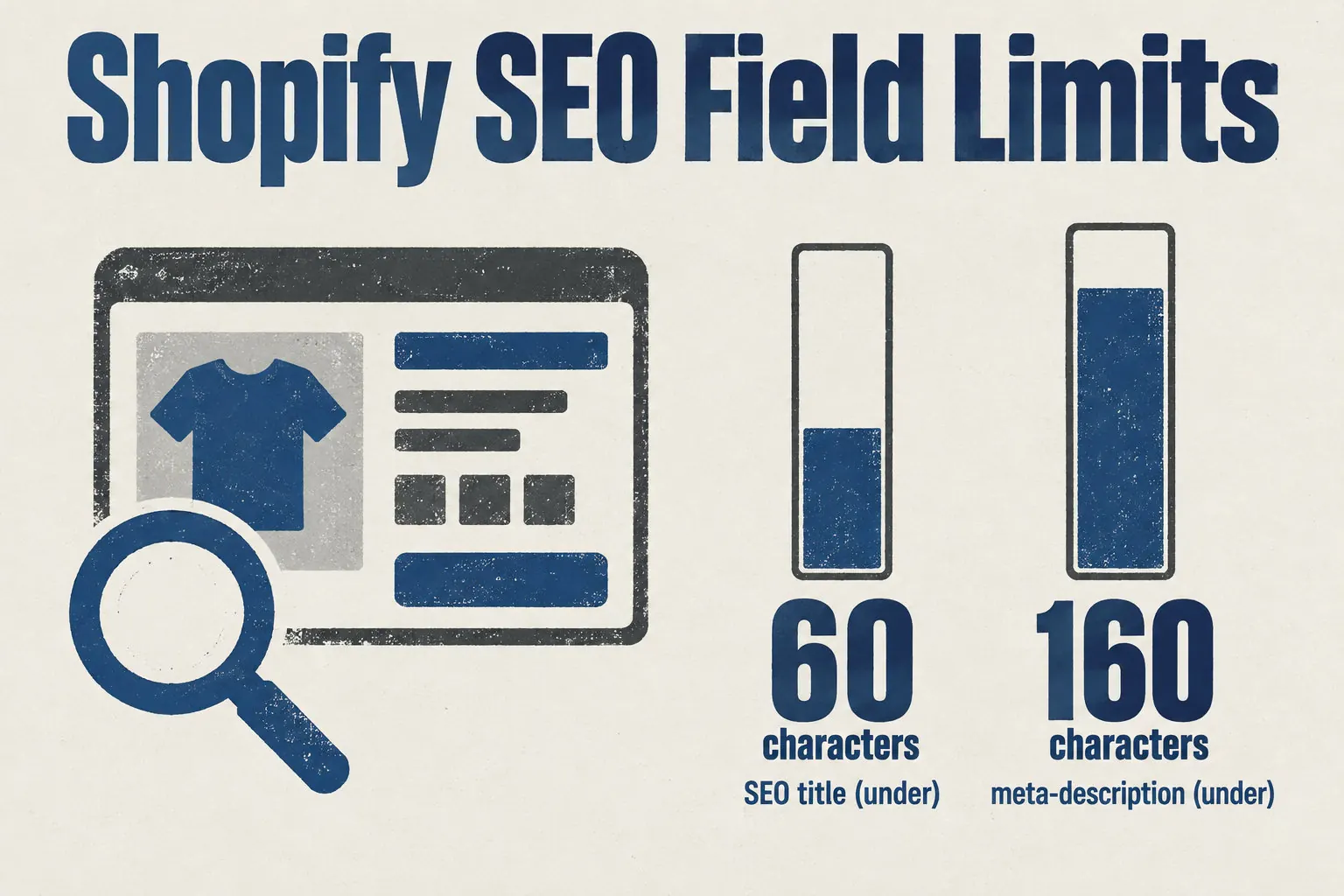
Keep titles under 60 characters and meta descriptions under 160. For blog content, see AI blog content strategy before writing in bulk.
Here is what Shopify Magic writes and what Shopify sets up for you:
- Shopify Magic writes product descriptions from the details you enter in the admin.
- You choose a preset tone or your own, then edit the text or generate another version.
- Shopify creates your sitemap.xml automatically.
- It also creates a default robots.txt, which you can customize in the theme code.
When you delete or move a product, create a 301 redirect from its old URL to the most relevant replacement page. Without it, visitors and search engines land on an error page, and the traffic that old URL earned is lost.
Wisewand: AI articles built from product sheets and linked to your catalogue
Wisewand connects to your store through Shopify’s permission step (OAuth). It starts from your product pages: photos, titles, prices and reviews.
To tie articles to your catalogue, limit sources to your store data. Your products then come first. For the setup, see this AI content workflow tool SEO.
Each article can include:
- Automatic links to your products, collections and other blog articles.
- Product blocks in six formats, for example a product card, a comparison table, an end-of-article banner and product buttons.
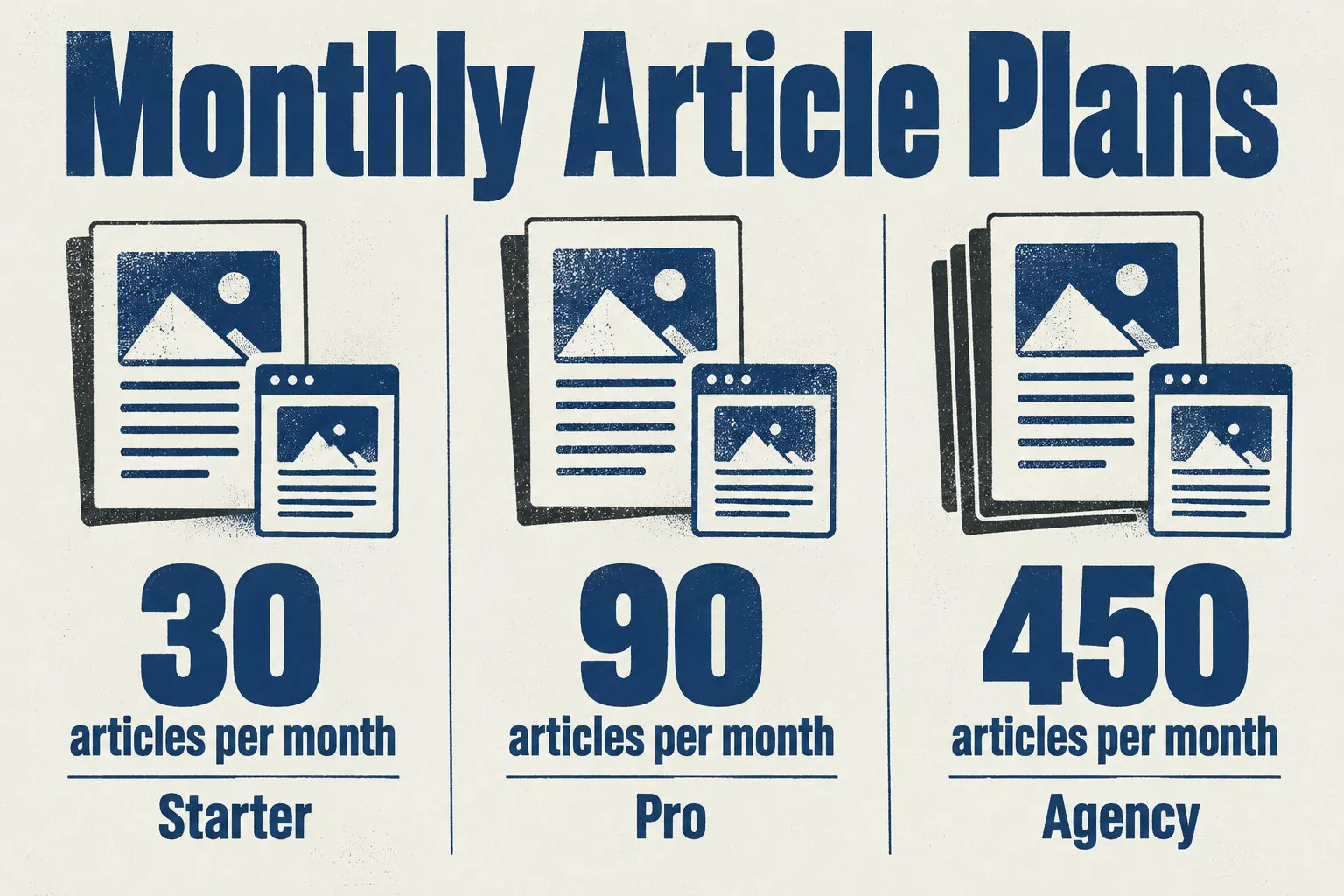
- Annual plans: Starter gives 30 articles a month for one site, Pro gives 90 articles with unlimited sites, and Agency gives 450 articles with three seats.
Unchecked AI pages published in bulk can break Google’s scaled content abuse policy. Check every fact first. No tool promises rankings or AI citations, so you can try Wisewand on a few products before scaling up.
AppAvio: bulk product copy that waits for your approval
AppAvio generates product and SEO text in bulk from your catalog data. Nothing is applied until you approve it, so every draft goes through your review first.
Check the app listing for the page types it supports and the approval steps it offers.
Also check your store’s conditions and which content the app can change in the Shopify admin. To compare other tools, see ai ecommerce content applications.
Pick five products that already get impressions in Search Console.
Note each page’s current title, description and clicks.
Approve and apply the drafts for those five products only.
Compare the results after several weeks, not after a few days.
SEOscribe: product descriptions with approve, regenerate or reject steps
SEOscribe targets products whose description is missing or short, and it writes new ones with AI. Each draft can be approved, regenerated for another version, or rejected, so you decide what goes live.
Approved descriptions can be applied to the store in bulk. For AI product descriptions, see AI product descriptions before you choose this option for your catalogue.
SEOscribe writes a draft for each empty or short description. Done when each product has one.
Check it against the real product. AI can make mistakes. Done when every detail is right.
Approve, regenerate or reject each draft. Done when none is pending.
Apply only the approved drafts, in bulk. Done when the product pages show them.
SEO Manager: metadata, structured data and redirects for technical gaps
SEO Manager is a Shopify app for technical SEO. It handles metadata, structured data, broken links and redirects. It does not write your product copy.
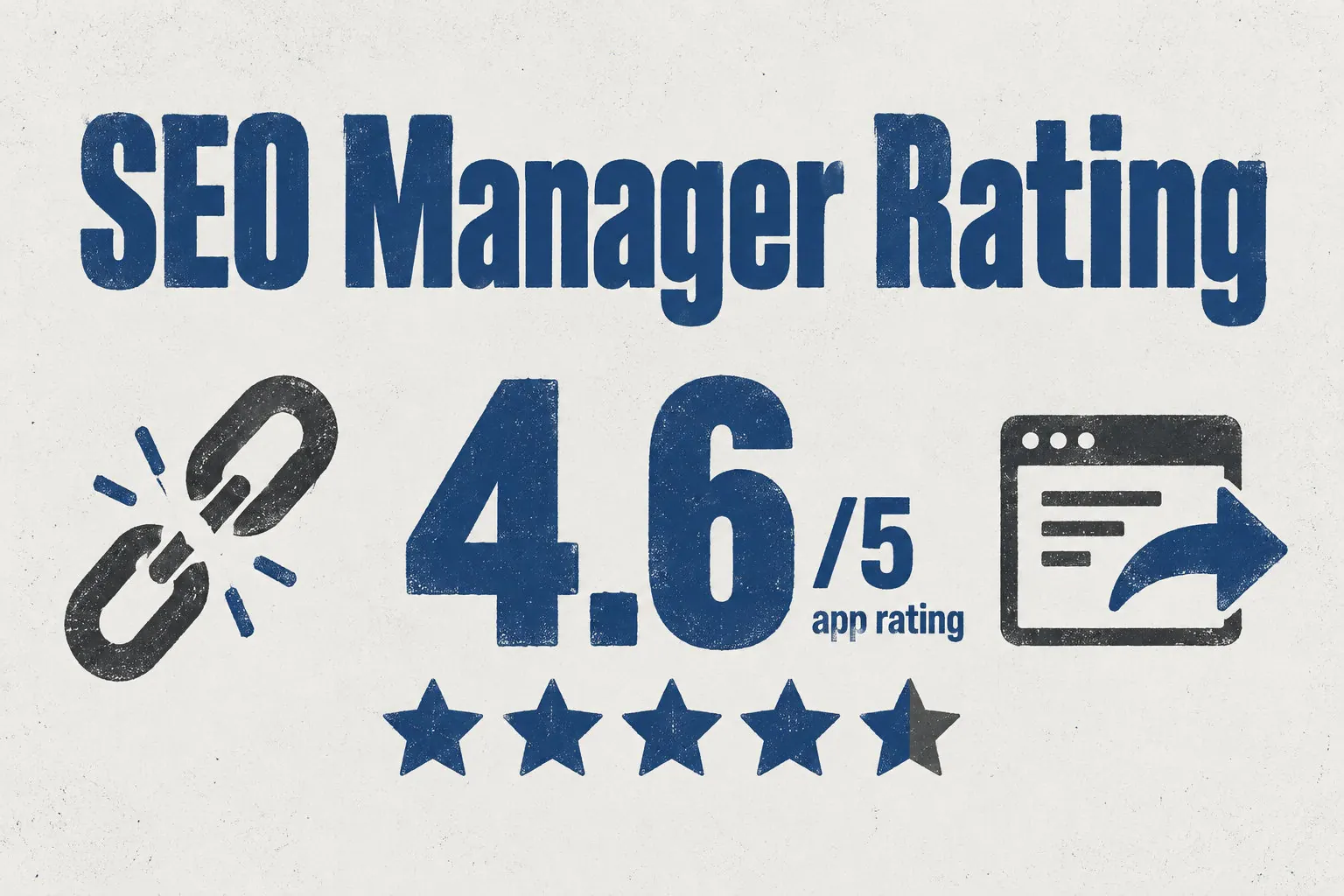
Choose it when the gap is technical: a broken link or a missing title in search results. For product text instead, see automate shopify product descriptions.
Match each problem shown in Search Console with its fix:
- Open the indexing report to see which pages are not indexed, then fix the page’s content or metadata before asking for indexing again.
- When you remove a product with no direct replacement, choose a useful page and redirect the old address to it.
- For broken links, update the link to the right page, or redirect the old address if the page has moved.
Two apps in the same SEO category can do very different things. Check each feature you need on the App Store page before installing, or you may pay monthly for a task the app doesn’t do.
Choose by your situation: the number of pages, your time and your budget. Whatever the tool, you review every text before it goes live.
Next step: count your pages, then pick the option that fits them. Judge results over several months in Search Console, since no tool can guarantee a ranking.
Frequently Asked Questions
Can an AI tool optimise SEO for a Shopify store without manual copy and paste?
Yes, if the tool connects to your Shopify store and can send its content back there.
Titles, descriptions and metadata then reach your pages without copy and paste. Read every text and metadata field before it goes live, because AI can make mistakes.
What is the difference between Shopify’s built-in SEO fields and an AI SEO tool?
The main difference is who writes the text. Shopify’s fields let you type each title, description and URL yourself, one page at a time.
An AI SEO tool writes or revises that text for you, and some publish it straight to your store.
How does an AI tool use product data such as titles, prices and reviews in Shopify articles?
In Shopify mode, Wisewand takes the titles, prices, reviews and photos from your product pages. It uses them to write articles and link each one to the matching products in your catalogue. Check those details before you publish.
Does Wisewand publish directly to a Shopify store, and how is it billed?
Yes, Wisewand publishes directly to your Shopify store, and Shopify handles the billing. You pay one subscription per store, and Autopilot, the automatic publishing mode, is included in all three plans. If you run two stores, you pay two subscriptions.
How many articles can a Shopify store publish per month with Wisewand Autopilot?
Wisewand Autopilot has no fixed monthly count: the volume depends on your plan and its credits. Starter includes up to one article a day. Pro and Agency include up to 15 articles a day per project.
This article also exists in French: le lire en français