Top AI Marketing Software for Content Creation in 2026
Alex

Most AI writing tools look alike on their homepages, but they do different jobs.
Pick the wrong one and you pay for features you never use, or find out late that it cannot publish to your site.
This article compares the platforms by use case, workflow, SEO support, pricing and integrations, so you can match a tool to the job.
Which tool to choose based on your use case and budget
Pick your tool by the job, not by the brand. Choose an all-in-one suite when content must connect with other marketing work.
A dedicated tool fits when your main need is SEO writing or publishing to a site or store. For that, see the AI content workflow tool for SEO. Ask yourself first whether your content has to feed other marketing work.
Match a tool to your budget by comparing entry plans on output and cost per article, and if you sell online, see best AI tools ecommerce SEO first.
| Criteria | Standard articles (Semrush Base) | SEO-boosted articles (Semrush Base) |
|---|---|---|
| Monthly output | Unlimited | Five per month |
| Best for | Steady drafts for regular posts | Briefs built on keyword data |
| Cost per article | Plan price spread over many articles | Plan price spread over five |
HubSpot: content tools inside a CRM-connected marketing suite
HubSpot Content Hub is an AI-powered system that creates, repurposes and manages content in one place. Its AI Blog Writer drafts blog posts, and the Free tier includes basic SEO tips.
The Professional tier adds content remixing and brand voice, which matters if several people write for you. For a keyword plan before any drafting, read our guide to ai blog content strategy first.
Jasper: brand voice settings and templates for marketing teams
Jasper’s Brand Voices analyze a team’s content tone and let the team set tone and formatting rules for generated writing. Once they are set, every writer’s draft follows the same voice, so the team sounds like one brand.
Teams with several writers need this most. If you sell products online, check AI ecommerce content applications before you decide how much brand setup you need.
Before you commit, check Jasper’s options against how your team already works:
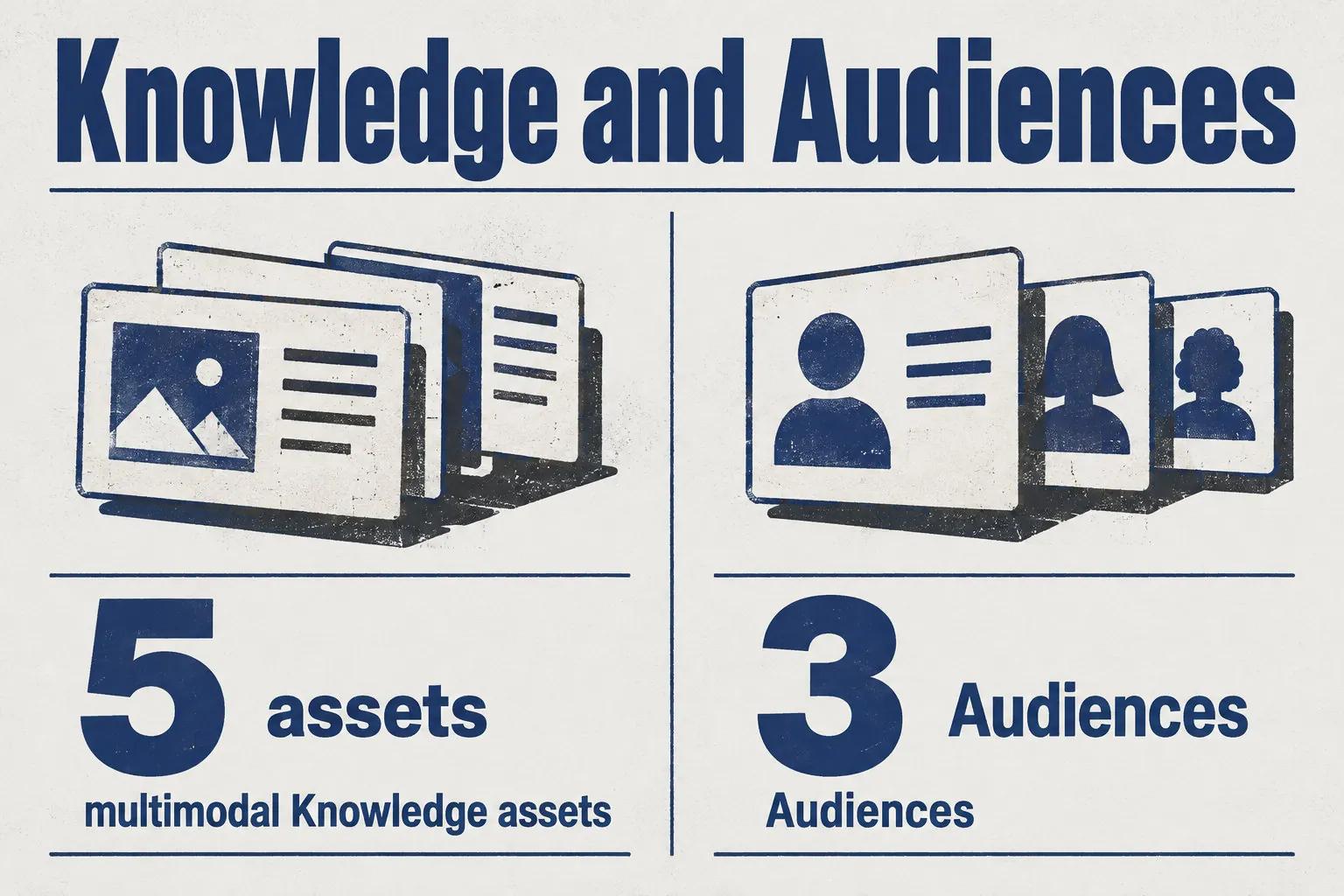
- Knowledge: store the facts your team adds for content creation, with up to five multimodal Knowledge assets.
- Audiences: keep audience profiles ready for writing, with three Audiences available.
- Integrations: connect to Google Docs, Slack, Webflow, BigQuery, Google Sheets, Zapier and Make, or use the API for custom integrations and automated tasks.
Copy.ai: short-form copy and workflow templates
Copy.ai runs workflows: linked AI actions that chain steps together, such as writing an SEO article. Each plan sets a seat limit and a number of workflow credits.
A workflow with more steps or longer output uses more credits, so count your runs, not your articles. For a Shopify store, see how to automate Shopify product descriptions before picking a plan.
- Enter one keyword in the "Generate content briefs from keywords" template
- Copy.ai reads the top three search results for it
- Output: questions, titles, an outline, a URL slug and a meta description
- Review and edit the brief before you run anything else
- Run the brief-to-blog-post workflow on the approved brief
- Output: a long-form blog post
Semrush: keyword research and SEO data next to its content tools
Semrush starts with search data, not the draft. Its Topic Finder suggests ideas backed by that data, so you pick a topic people search for before writing.
Next, the SEO Brief Generator turns that keyword into a brief with keywords, a content outline and competitor insights. Writers then work from those facts. For a fully automated pipeline, see the automated content generation solution.
On the Base plan, the Content Toolkit includes these tools, and finished articles publish straight to WordPress:
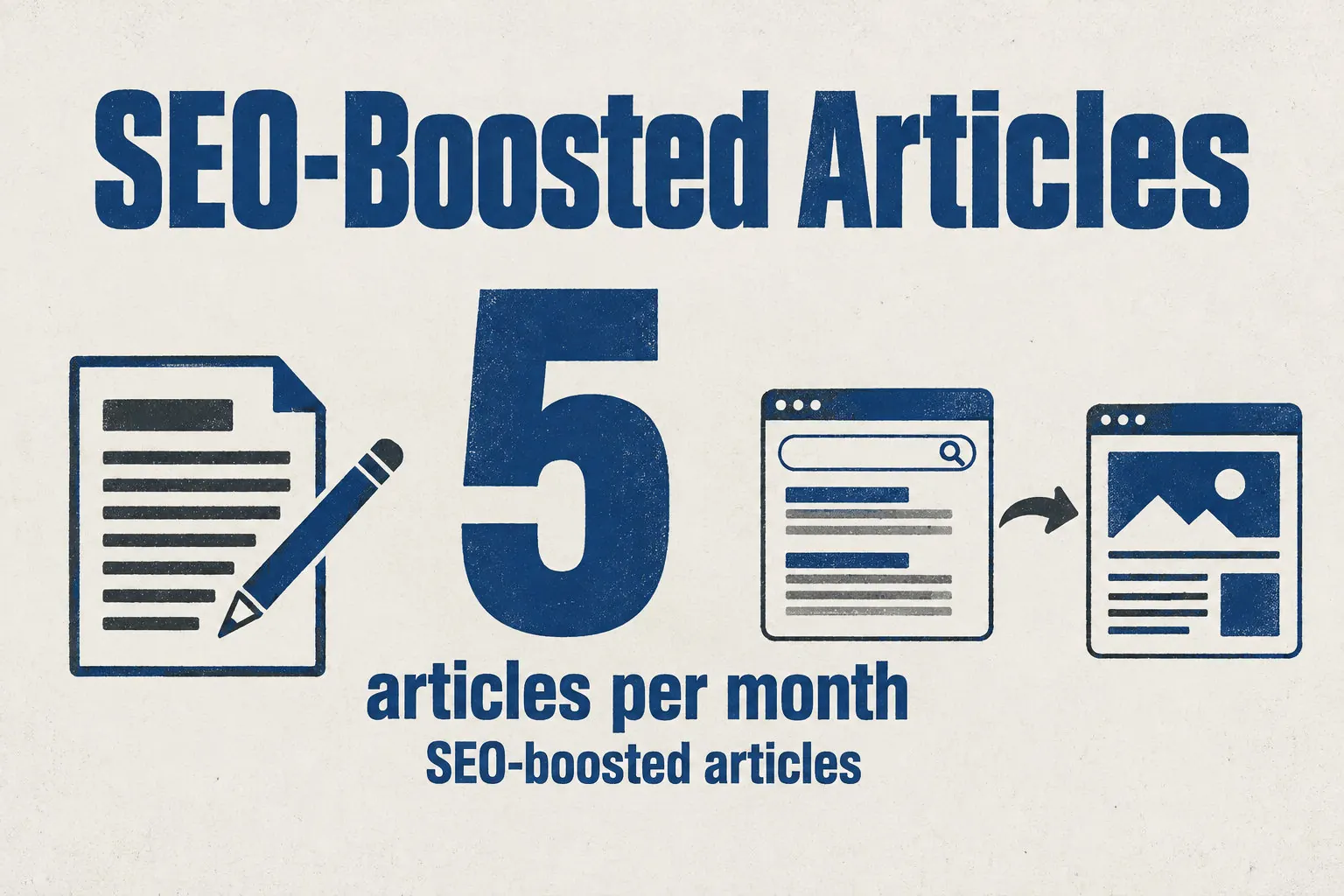
- Unlimited standard articles, so routine posts have no monthly cap, plus five SEO-boosted articles per month.
- Topic ideas, SEO briefs and content optimization for each article.
- WordPress publishing for up to 100 connected sites, with one-click export of finished articles.
Writer: enterprise brand governance and style control
Writer works as a governance layer over your content. It uses personality profiles, style guides and data grounding to keep every draft on brand and within your rules. Every department then uses one voice and one vocabulary.
This matters most when many writers publish for one brand. For SEO-led articles instead, see best AI tools for blog SEO.
Enterprise adds optional solution packs and services on top of regular seats. A small team with a light style guide may not need them, but if you pick Enterprise, ask for a full quote with every pack and service included before you sign.
Wisewand: SEO articles planned and published to your site or store
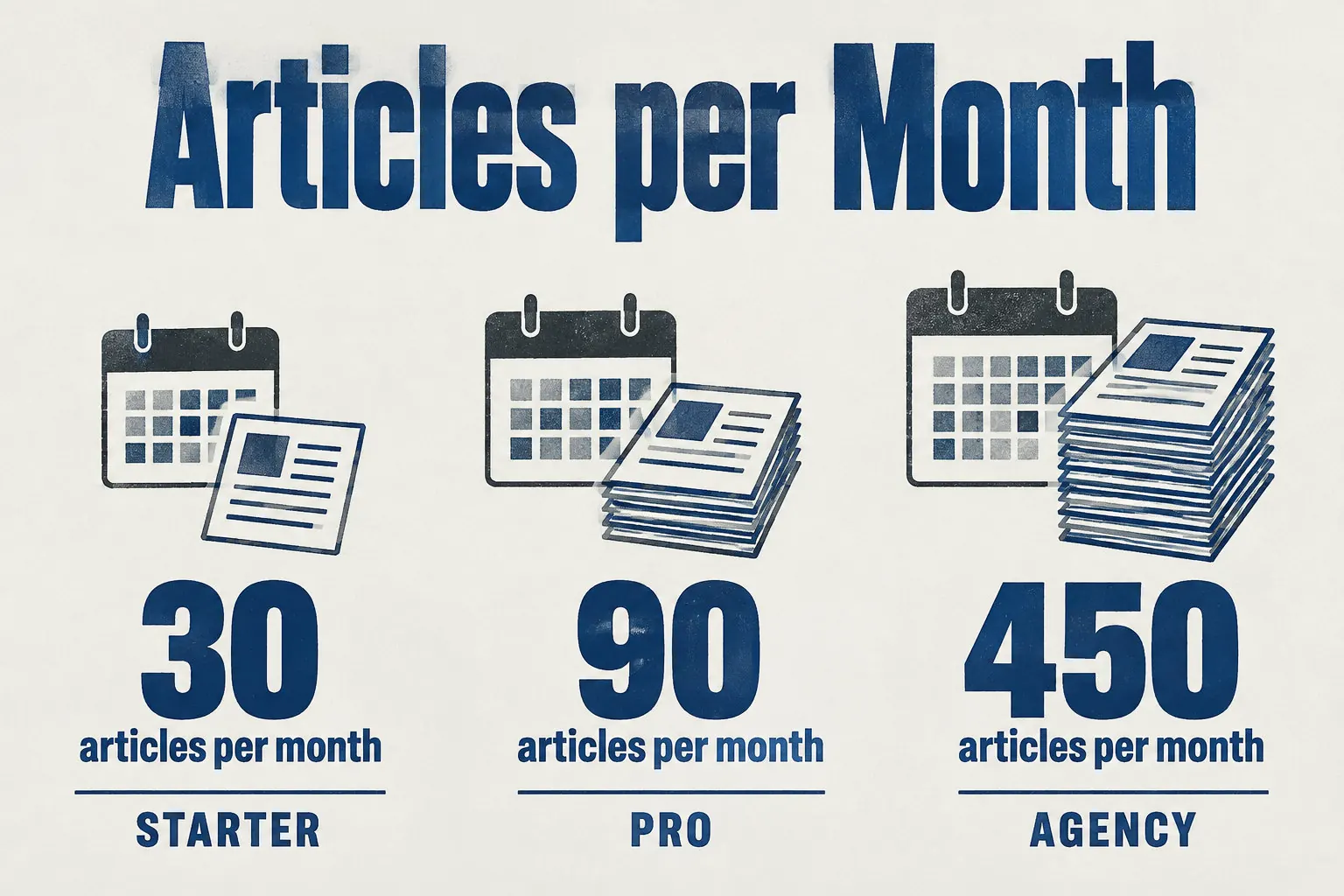
Autopilot picks the topics and fills a rolling 30-day editorial calendar. It writes and publishes the articles on its own, about 30 a month.
It publishes straight to WordPress, Shopify, WooCommerce, PrestaShop, or through a webhook. If your store needs a steady flow of posts, test Autopilot first. For a wider comparison, see the best AI tools for content marketing.
Before you start Autopilot, it helps to try Wisewand and check three things:
- The trial lasts three days and costs €1.
- Starter gives 30 articles a month, Pro 90, and Agency 450.
- The Shopify connector publishes the title, body, featured image, tags and SEO metadata, and it schedules articles.
The right tool depends on the work. Does your content feed other marketing work? Choose a full suite. Mainly SEO articles or publishing to a site? A dedicated tool is enough.
Next, shortlist two tools that fit your job. Run the same real article through each one, then compare the output and the cost per article before you pay.
Frequently Asked Questions
Which AI marketing software is best for a small content team on a budget?
For a small team on a budget, Semrush Content Toolkit on the Base plan is the best fit if you publish to WordPress. Standard articles are unlimited, so your monthly cost spreads across every post.
What is the difference between an AI writing assistant and an automated content publishing platform?
The difference is publishing. An AI writing assistant helps you create or edit text. An automated publishing platform can also schedule that text and send it to your website or store, as Wisewand does with WordPress and Shopify.
Can AI marketing software publish directly to WordPress or Shopify?
Yes, some can. Wisewand publishes to WordPress and Shopify, plus WooCommerce and PrestaShop. Semrush Content Toolkit publishes to connected WordPress sites. A writing-only assistant does not publish, so check the publishing list before you buy.
How do AI content tools help with SEO and with visibility in AI answers?
AI content tools help with SEO by using keyword and search-result data to shape what you write. Wisewand creates content for Google and generative AI answers, but no tool can promise a ranking or an AI citation.
Do I still need a human editor when I use AI content creation software?
Yes. The tool drafts the text, but it can state a wrong fact or a claim you cannot back up, and only a person reading it can catch that.
Check every product detail, price and claim against your own source before you publish.
How do I choose between an all-in-one marketing suite and a dedicated content tool?
Choose an all-in-one suite if your content has to feed other marketing work, such as email campaigns, sales or social posts. Choose a dedicated content tool if your main need is SEO writing or publishing to a site or store.
This article also exists in French: le lire en français