Arvow Alternative: AI SEO Content Tools Compared for 2026
Alex

AI SEO content tools do different jobs, and a tool that writes good drafts may not publish to your CMS at all.
Choosing an Arvow alternative means checking what each tool does for your site, not just which one is the most talked about.
This article compares the main options by their real strengths, typical uses and limits, so you can match one to your articles and your publishing setup.
Arvow alternative criteria: content types and publishing automation
Name the content you publish first: blog articles, product pages, category pages or affiliate content. A tool built for blog posts may not handle the rest. For product and category pages, see ai ecommerce content applications.

Choose a tool by the work you need it to do: research, drafting, editing, planning or publishing. For more options, see best ai tools ecommerce seo.
A draft is not live. Frase can auto-publish when that option is switched on, but its Content Guard waits for approval before republishing unless you opt in.
Check on the vendor’s site whether your CMS connects directly or needs a webhook or API. For publishing setups, see best automation tools; for writing tools, see best ai tools content marketing.
Visibility, pricing and integrations: three checks that change the choice
SEO and AI-search visibility
Google looks at many signals to rank pages, and no content tool can promise you a search position. Treat on-page scores as aids: they point to gaps in a draft, but they do not guarantee a ranking.
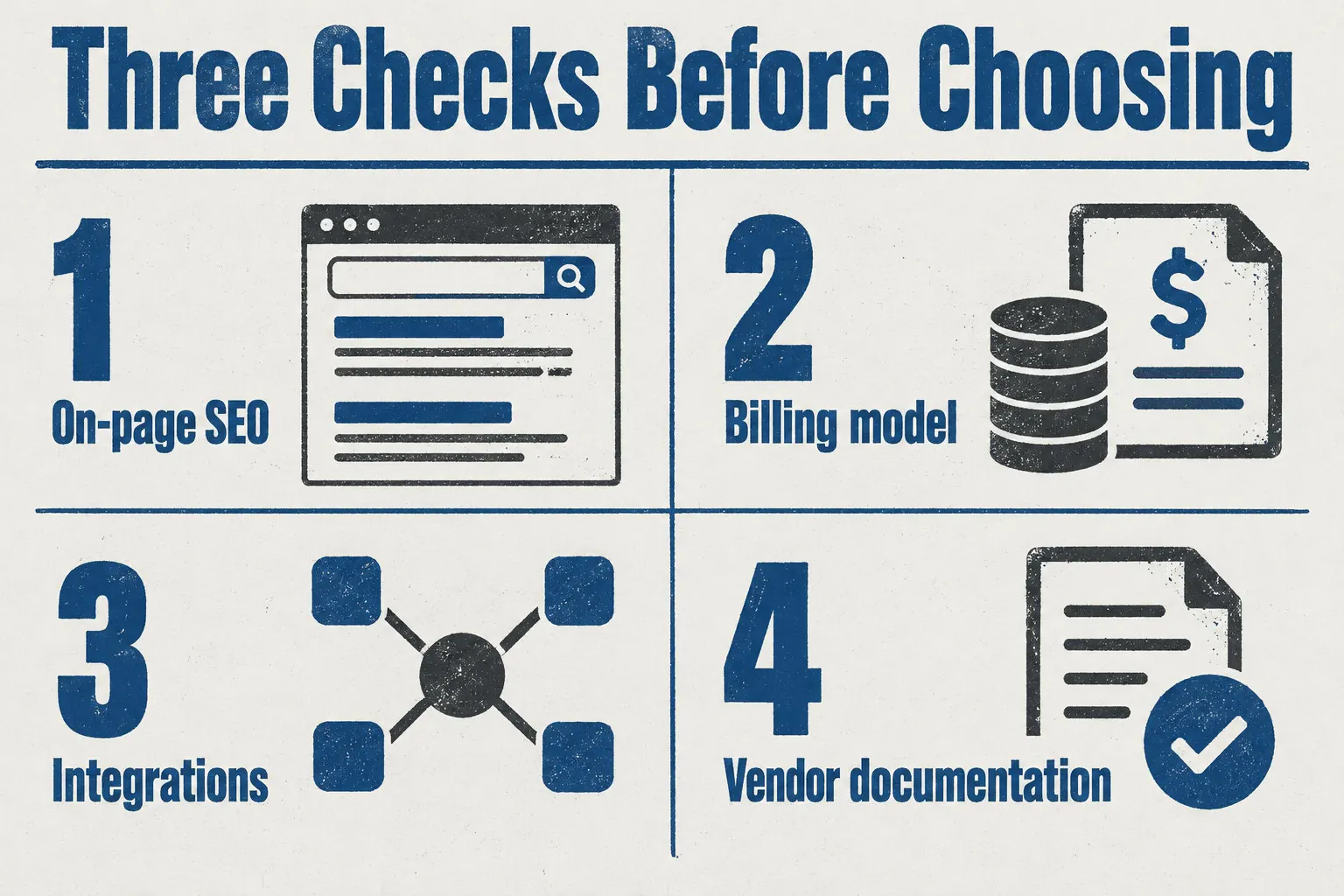
Frase shows SEO and GEO scores and internal-link suggestions. Its AI visibility tracking varies by plan in engines and prompts, so check yours first. Features aimed at AI answers help you optimize, but none guarantees a citation.
Pricing model: credits, plans and trials
Before you compare prices, check these three terms for each tool:
- Billing unit: Wisewand counts one credit as one article, so divide your monthly article count by the credits in your plan.
- Rollover and expiry: Wisewand’s unused credits roll over and do not expire while the subscription is active.
- Trial: Frase’s seven-day trial needs no credit card; Wisewand’s costs €1 for three days and three credits.
Integrations, API and automation
Open the vendor’s documentation and find its API or integration page.
Check that your CMS is listed as available now, not planned, and which plan includes it.
Ask who will run the connection: a developer, an editor or nobody.
If nobody will use it, drop that feature from your shortlist.
For automatic writing and publishing, look at the automated content generation solution and confirm its integrations there.
Six tools in the same category, each with its strengths and limits
Frase
Frase handles research, drafting, scoring and publishing in one place, which suits a team wanting one workflow. Confirm your CMS is supported, and check the plan’s article allowance. For a wider view, see ai content workflow tool seo.
Writesonic
Only Version 6 of the AI Article Writer includes tone settings, internal links, sources, cover images, FAQs and calls to action. Confirm your CMS is one of WordPress, Sanity, Contentful, Webflow or Ghost before you choose it.
Koala
Koala publishes directly to WordPress, Shopify, Webflow and Ghost. For any other CMS, you need a webhook or API connection. Either way, you set the publishing schedule, so make sure it fits how your team publishes.
Surfer
Paste your draft into Surfer’s editor and run Auto-Optimize, then review each term it adds. Before you count on the publishing step, confirm your CMS connects to Google Docs, WordPress or Contentful.
MarketMuse
Choose MarketMuse if planning topics and closing content gaps matter most. It also improves existing pages from their URL. You still need a separate tool for drafting and publishing, so check how its workflow fits yours.
Scalenut
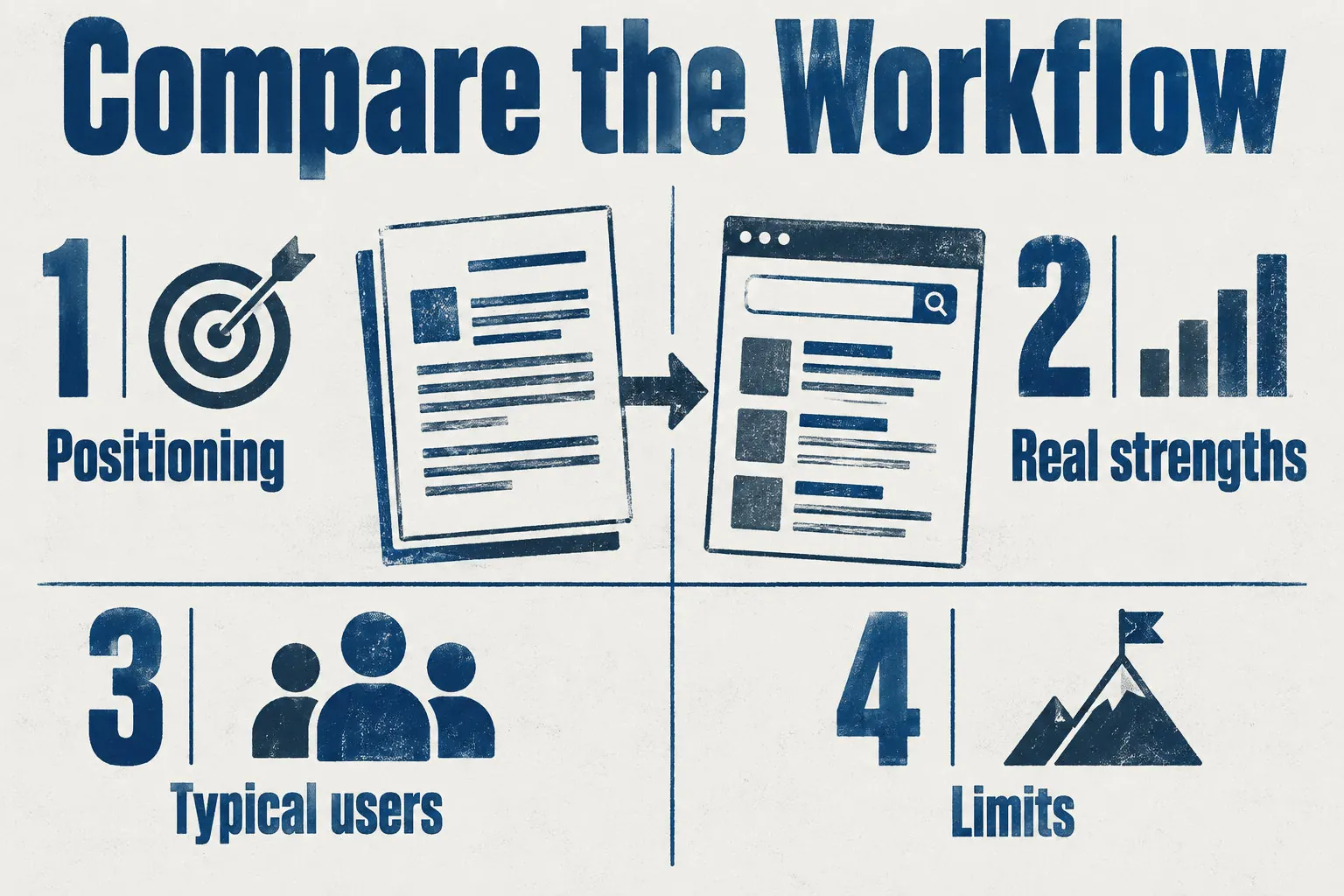
Positioning and limits differ most.
| Criterion | Scalenut | Frase | Writesonic | Koala | Surfer | MarketMuse |
|---|---|---|---|---|---|---|
| Positioning | All-in-one | Research to scoring | Article writer | Direct publishing | Draft optimizer | Topic planning |
| Limit | Plan-dependent | One workflow | Version 6 only | Four CMS only | Separate publishing | No drafting |
Wisewand as one option: Autopilot, publishing and verified capabilities
Autopilot: a rolling 30-day editorial calendar
Autopilot picks every topic and builds a rolling 30-day calendar. You cannot choose them. Starter publishes about one article a day. If you want topics of your own, see AI blog content strategy.
Publishing to WordPress, Shopify, WooCommerce, PrestaShop or a webhook
Wisewand publishes to WordPress, Shopify, WooCommerce, PrestaShop, or a webhook. On Shopify, posts can include the title, body, featured image, tags and SEO metadata. Check your draft before it goes live.
On-page SEO and Google indexing request
Wisewand’s plans handle on-page SEO and internal linking automatically. The Shopify app can request Google indexing after publishing, but Google alone decides whether a page gets indexed, so no result is promised.
Google and generative AI visibility, as optimization
Shopify and e-commerce content
These Shopify features matter for product-led content:
- Product-page information read by Shopify mode
- Links from articles to products, collections and other articles
- Product links in buying guides, comparisons and rankings
Developers and no-code: API, MCP server, CLI, n8n and Make
Developers call the REST API with a Bearer key, capped at 60 requests per minute. Cursor, VS Code, Claude and Windsurf can connect the MCP server. n8n and Make users get ready-made workflows.
Plans, credits and the 1 EUR trial
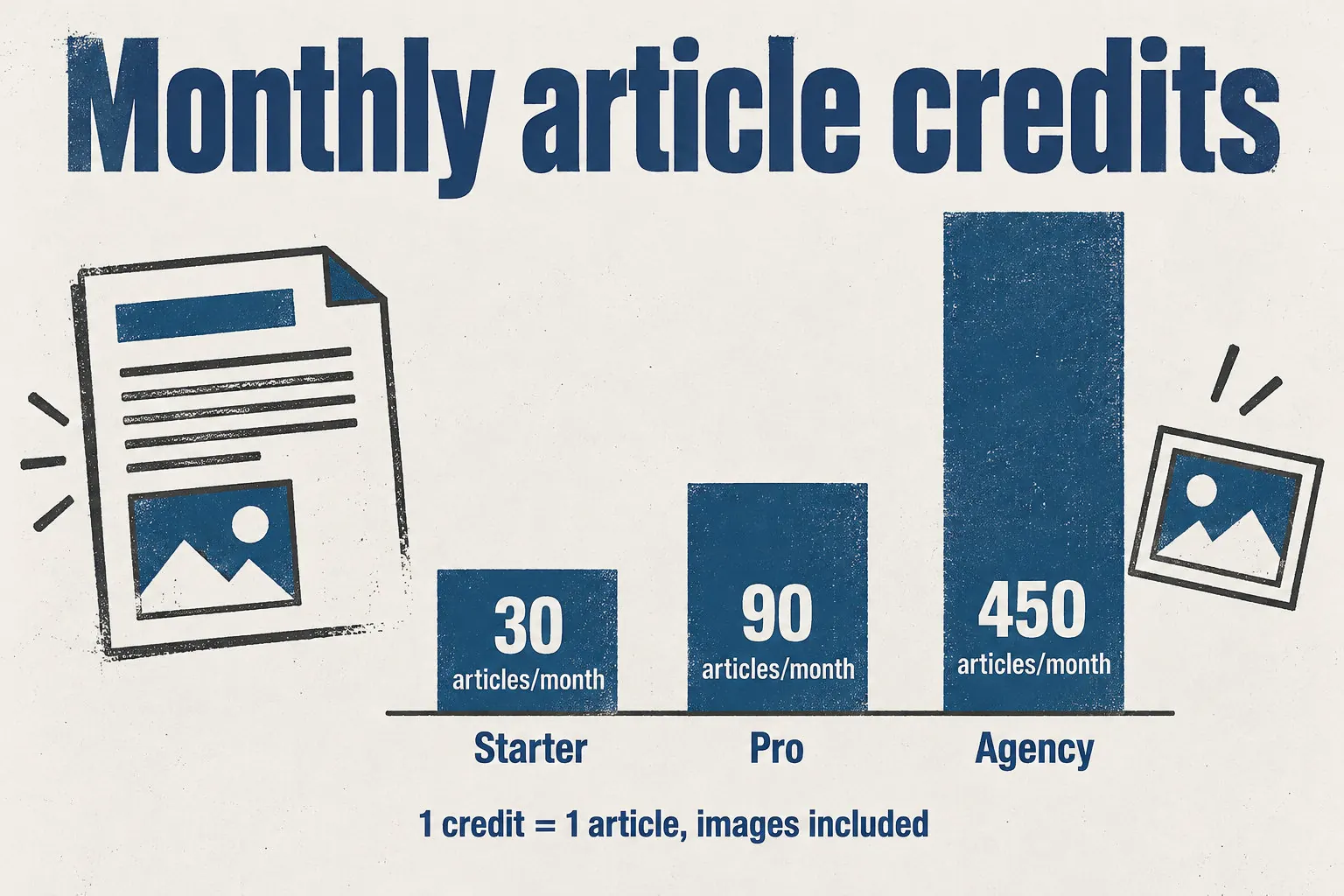
Starter gives 30 credits, Pro 90, Agency 450 with three seats. One credit is one article; unused credits roll over. The €1 trial gives three credits, once per account, not on Shopify.
How to choose: match volume, CMS and budget, then test one topic
Start with three answers: how many articles you publish each month, which CMS runs your site, and which content types you need. If you only publish blog posts, start with best AI tools for blog SEO.
Compare these on each vendor’s site:
- Frase connects to WordPress, Webflow, Sanity and Wix.
- Koala connects to WordPress, Shopify, Webflow and Ghost.
- Scalenut connects to WordPress and Shopify.
- Each plan’s limits, billing unit, rollover and trial terms.
Use a topic you would publish. It takes a minute to try Wisewand.
Success: few edits are needed.
Success: the live page shows no errors.
Choose by the work you need: research, drafting, editing or publishing. Then match the tool to your CMS, your monthly article count and who will run the connection.
Your next step: test two or three shortlisted tools on one real topic. Prices and features change, so confirm them on each vendor’s site first.
Frequently asked questions
What is the best way to choose an Arvow alternative?
Match the tool to your content type, your monthly article count, your CMS and your budget. Then test one real topic in each shortlisted tool before you pay for a plan.
Which AI SEO content tools compete with Arvow for blog articles?
Six tools compete with Arvow for blog articles: Frase, Writesonic, Koala, Surfer, MarketMuse and Scalenut. They cover research, writing, planning or optimization, but their publishing features differ, so check each one against your CMS, the system your site runs on.
Can an AI content tool publish articles automatically to WordPress or Shopify?
Yes, some can. Koala publishes directly to WordPress, Shopify, Webflow and Ghost.
Frase can auto-publish when you switch that option on, and it lists WordPress, Webflow, Sanity and Wix as connections. Check the workflow and review settings for your plan first.
Does Wisewand offer an Autopilot mode, and how does it choose topics?
Yes, Wisewand offers an Autopilot mode. It chooses the topics itself, selecting and scheduling them in a rolling 30-day calendar. Then it writes and publishes the articles at the daily limit set by your plan.
How much does an Arvow alternative cost, and do credits expire?
Prices change, so check each vendor’s current pricing before you compare. On Wisewand, credits do not expire: unused credits roll over while your subscription is active. One credit is one article, and the €1 trial gives you three credits.
Can an AI SEO tool improve visibility in ChatGPT and Google AI Overviews?
An AI SEO tool can help you optimize content for AI answers, but it cannot promise a citation or a placement in ChatGPT or Google AI Overviews. No tool can guarantee that, because the platforms decide which pages they cite.
This article also exists in French: le lire en français